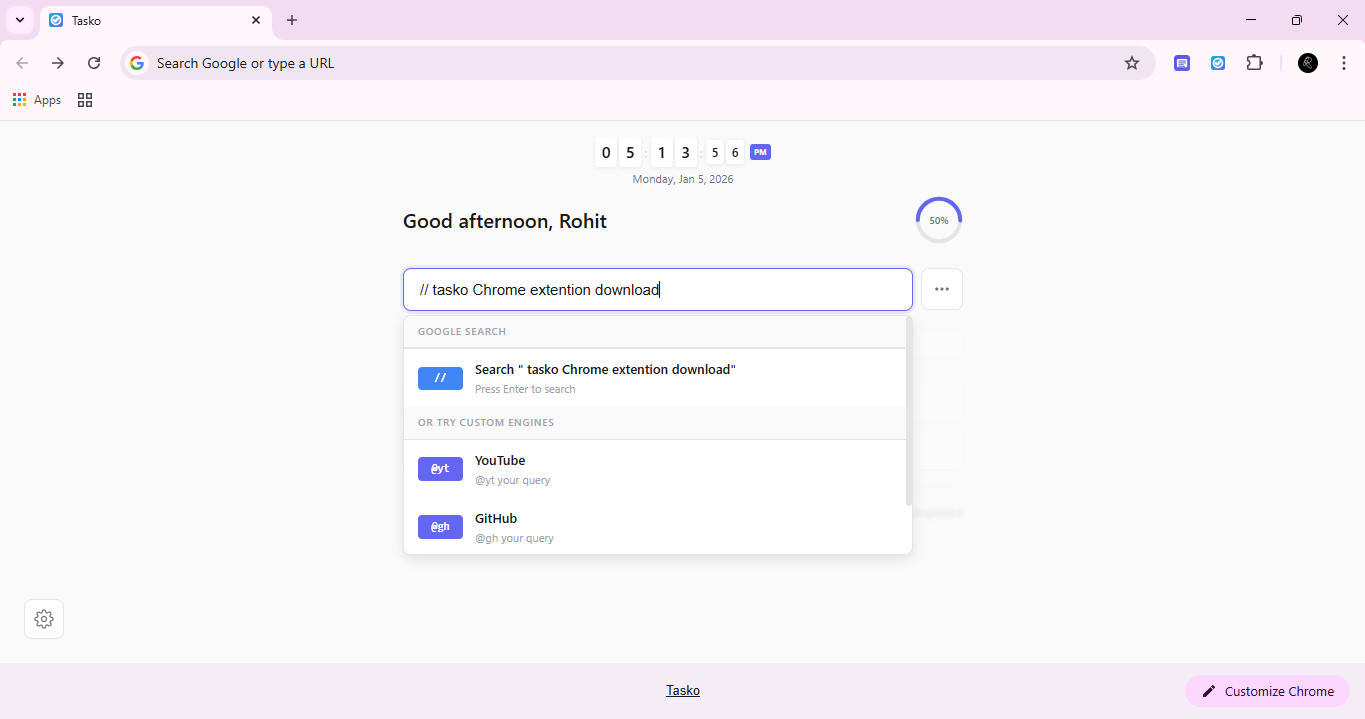
Transform every new tab into a powerful productivity hub. Manage tasks, search the web, and stay organized with beautiful floating widgets.
Packed with powerful features to boost your productivity without the bloat
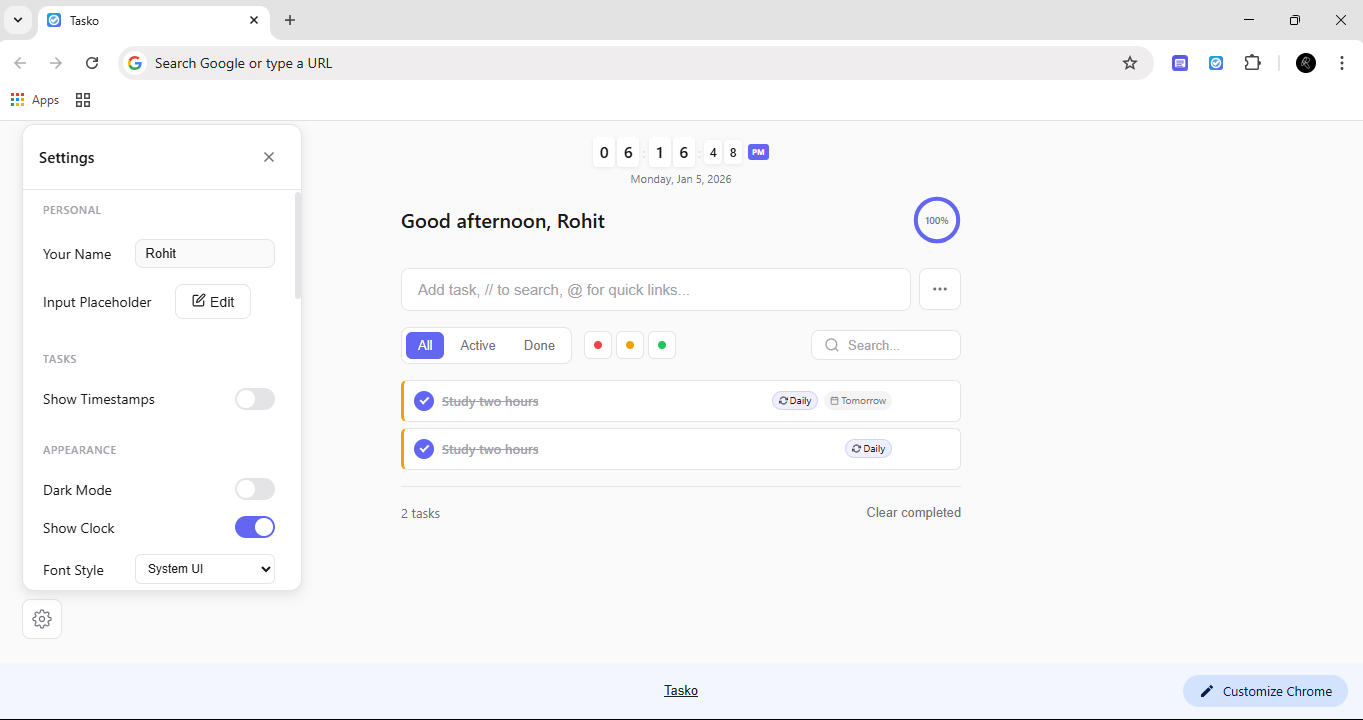
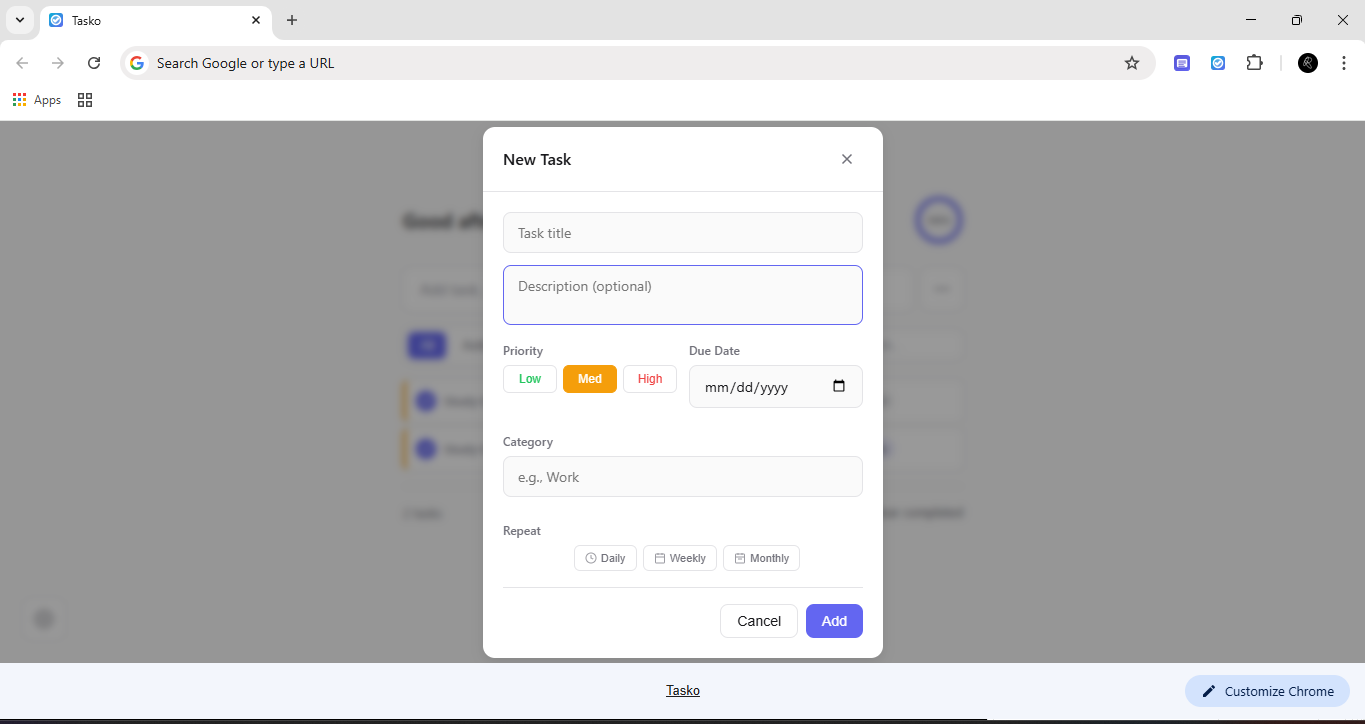
Create, edit, and organize tasks with priorities, categories, due dates, and smart timestamps.
Type // for Google or @prefix for YouTube, GitHub, Wikipedia & more.
Add quick links and sticky notes anywhere on screen. Drag, drop, and customize freely.
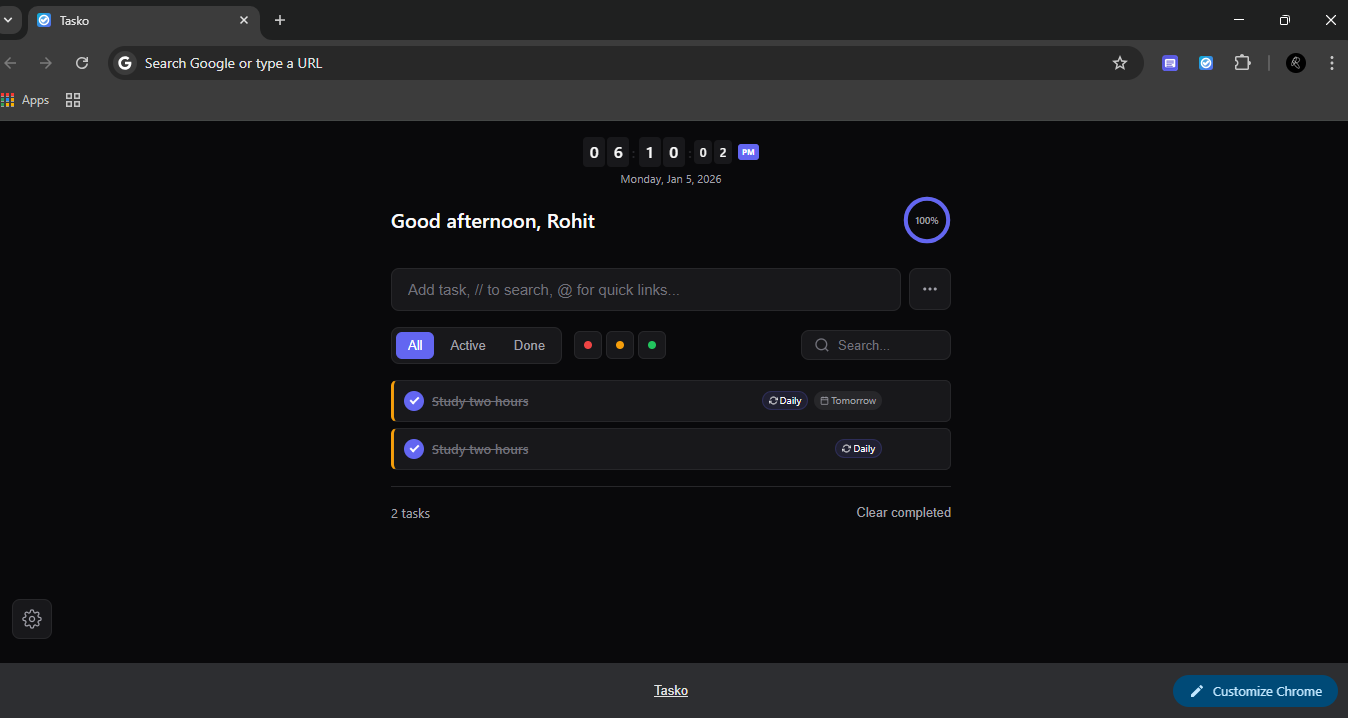
Beautiful animated flip-style clock with date display and personalized greetings.
Gorgeous themes with smooth transitions. Easy on the eyes, day or night.
Quick access from toolbar. Add tasks and view stats without opening a new tab.
Fully customizable shortcuts for power users. Navigate without touching your mouse.
All data stored locally. No tracking, no analytics, no external servers. Ever.
Reorder tasks and position widgets exactly where you want them.
Add Tasko to Chrome from the Web Store or load it as an unpacked extension for development.
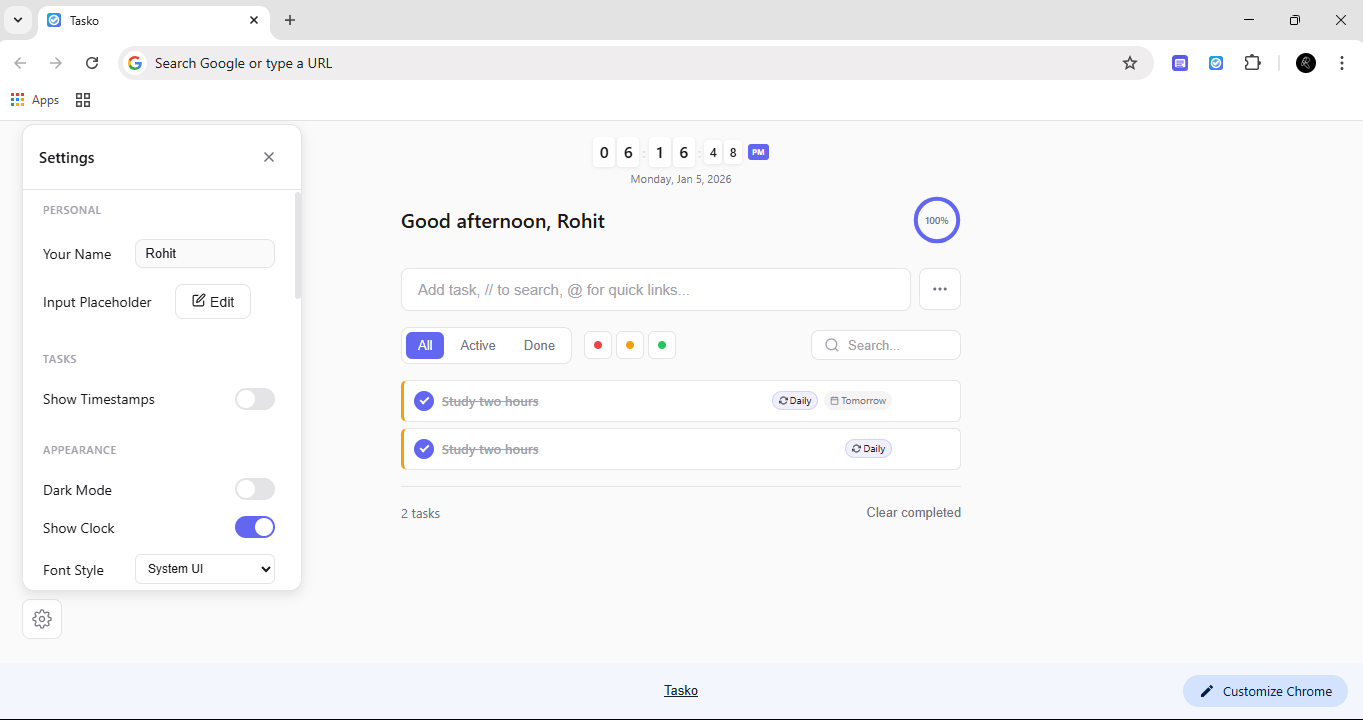
Every new tab now shows Tasko. See your tasks, clock, and widgets at a glance.
Add tasks, customize widgets, and make every new tab work for you.
Use prefixes to search your favorite sites directly from the new tab
Pro tip: Type just the prefix (e.g., @yt) to open the site directly!
Join thousands of users who've made their browser more productive.
Yes! Tasko is 100% free and open source. There are no premium features, subscriptions, or hidden costs. Everything is available to everyone.
Absolutely. All your data is stored locally on your device using Chrome's Storage API. We don't have servers, don't collect any data, and don't track anything. Your privacy is guaranteed.
All your data will be permanently deleted when you uninstall the extension. This includes tasks, notes, widgets, and settings. Make sure to back up any important information before uninstalling.
Yes! Tasko works completely offline. All features work without internet connection, except for web searches which naturally require internet access.
Yes! You can add, edit, or remove search engines in Settings β Quick Search. Create your own prefixes and URL patterns with the {query} placeholder.
Currently, Tasko stores data locally on each device. Cross-device sync may be added in future versions while maintaining our commitment to privacy.